In AGNT
The Figma Bridge plugin
- Open AGNT and go to Marketplace, or use the button below.
- Open Figma Bridge and install it.
- Add the Figma Bridge widget to a workspace. That is your Send to Figma button.
Figma Bridge turns any HTML design you make in AGNT into real, editable Figma layers: frames, live text, images, vectors and effects. One click, straight onto your canvas.
Your design opens in a background browser. Lazy images load, scroll reveals fire, and 3D scenes and videos are captured in place.
The finished layers travel to Figma on your own computer through a paired connection. No server in between, nothing uploaded.
The AGNT Bridge plugin creates editable frames, text, images and vectors on a page called AGNT. One undo removes it.
The Figma Bridge plugin
The AGNT Bridge plugin
manifest.json.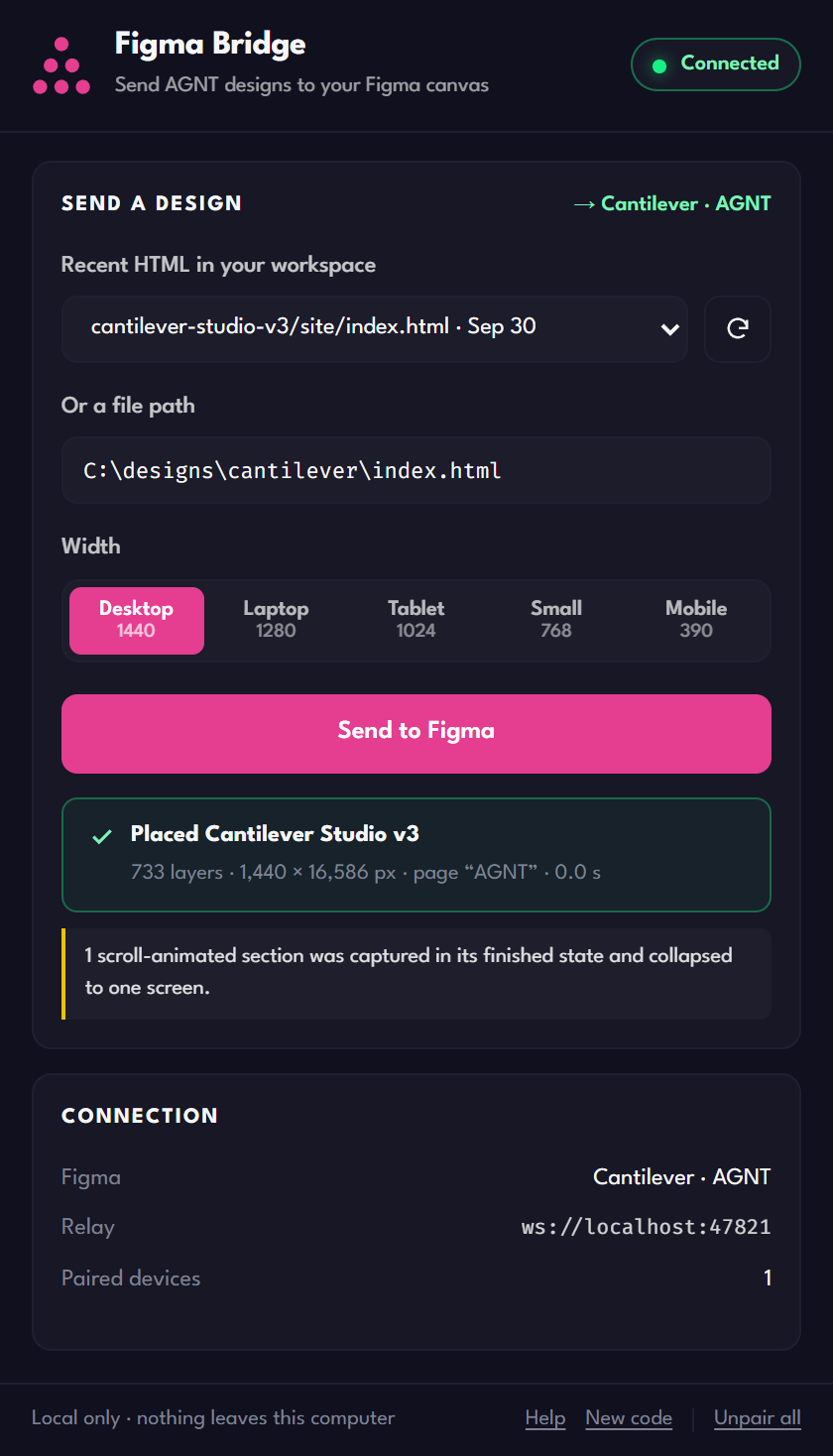
No. AGNT renders the design on your computer and sends the layers to Figma over a local connection on localhost, protected by a one-time pairing code. Nothing is uploaded, and no Figma account token is used.
The AGNT Bridge Figma plugin is installed from its manifest file rather than from the Figma Community, so Figma lists it under Development. It runs the same either way. Import it once and it stays there.
Not yet. Plugins imported from a manifest only run in the Figma desktop app, and AGNT and Figma need to be on the same computer.
No. Figma Bridge does not use Figma's MCP server or its API tokens. It uses Figma's standard plugin system to build layers directly in the file you have open.
Open the Figma Bridge widget in AGNT once. It starts the local relay, and the Figma plugin reconnects on its own within a few seconds.